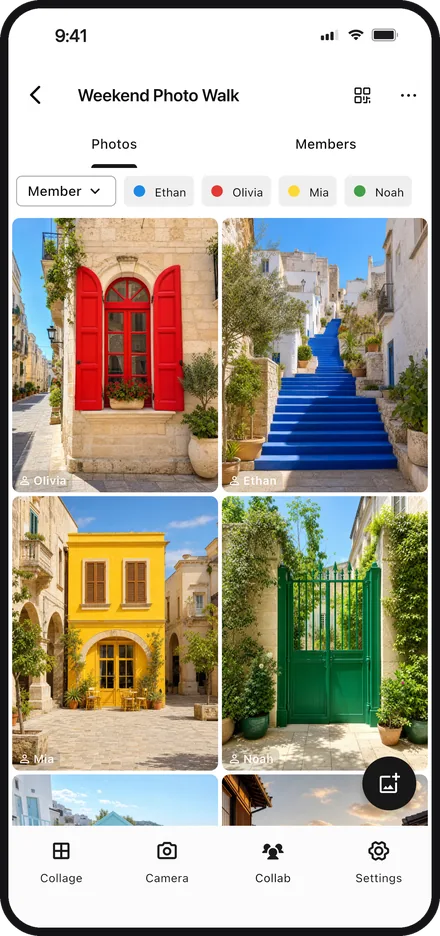
Share photos within your group
View and share photos among the members who joined your group.
Posted photos can be downloaded and saved.
 Color Walker
Hunt down your color and snap it. Turn your finds into a collage.
A new way to play with photos — solo or together.


HOW TO PLAY
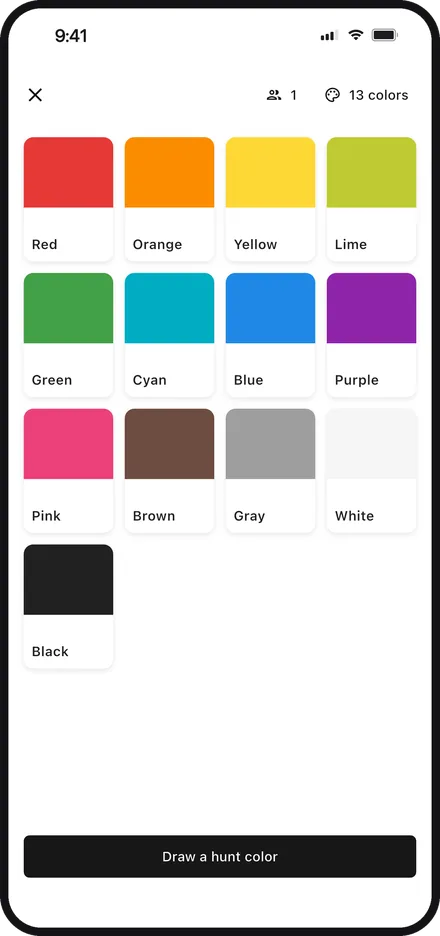
Draw your color from 13 options. Playing as a group? Everyone gets a unique one. In some play styles, colors are assigned automatically.
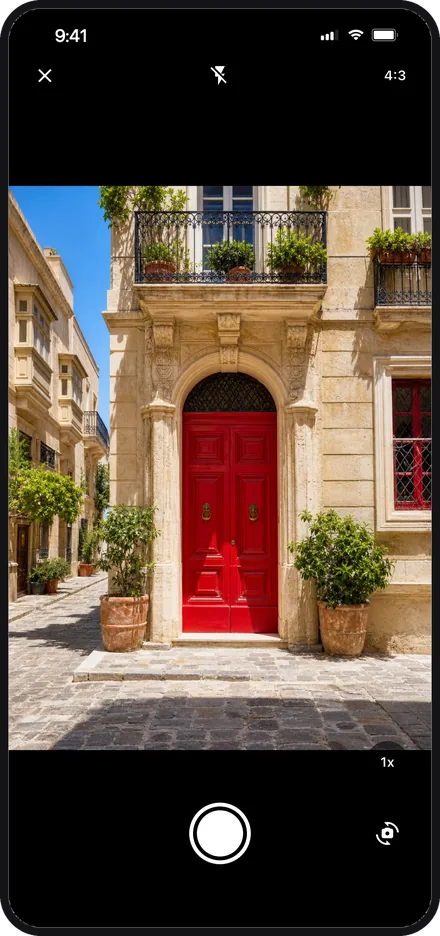
Find your color out in the city and snap it — effortlessly, with the built-in camera.
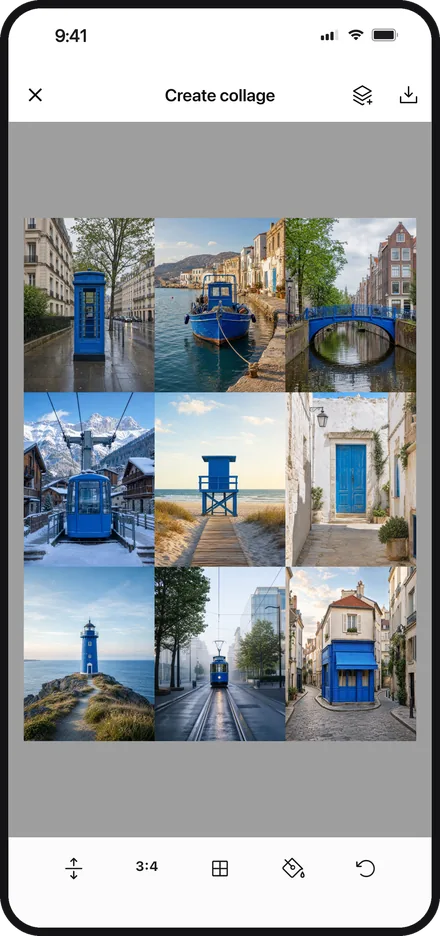
Turn your shots into a collage. Pick a layout, then finish it your way with frames, stickers, and text.
FEED
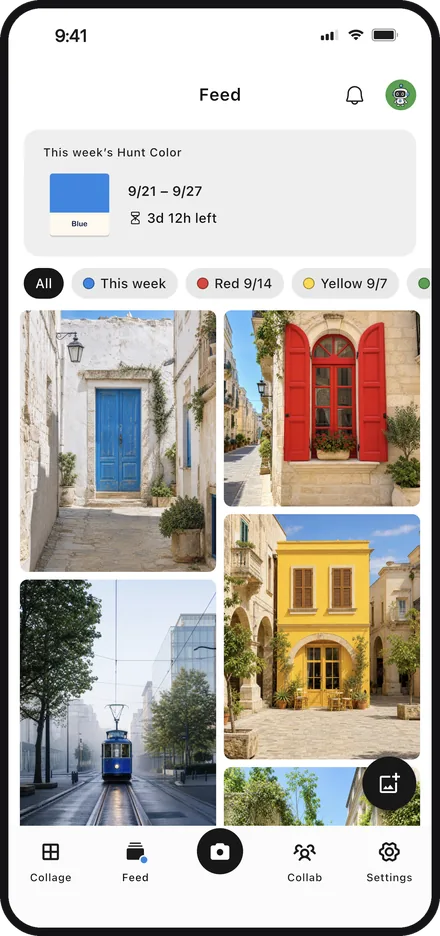
One color a week, shared by everyone: the Weekly Hunt.
Post your photos to the Feed and see what everyone else has found.
The color changes every Monday. No group needed — you can join on your own.
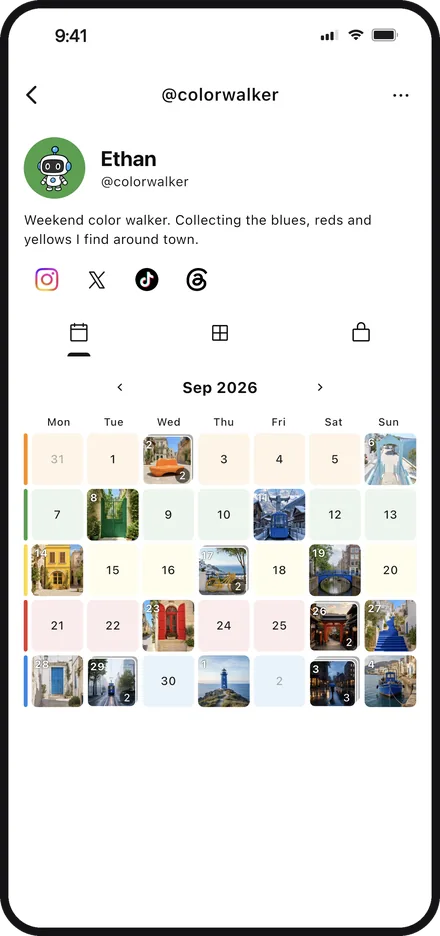
You can post photos in other colors too. Filter the Feed by color.
React to photos with likes and reactions. Your posts stay on the calendar in your profile.
No sign-up needed to browse. Posting and reacting require linking a Google or Apple account.
COLLAB
The group feature lets everyone enjoy color hunting together.
From assigning colors to sharing your photos — it all happens in the app.
View and share photos among the members who joined your group.
Posted photos can be downloaded and saved.
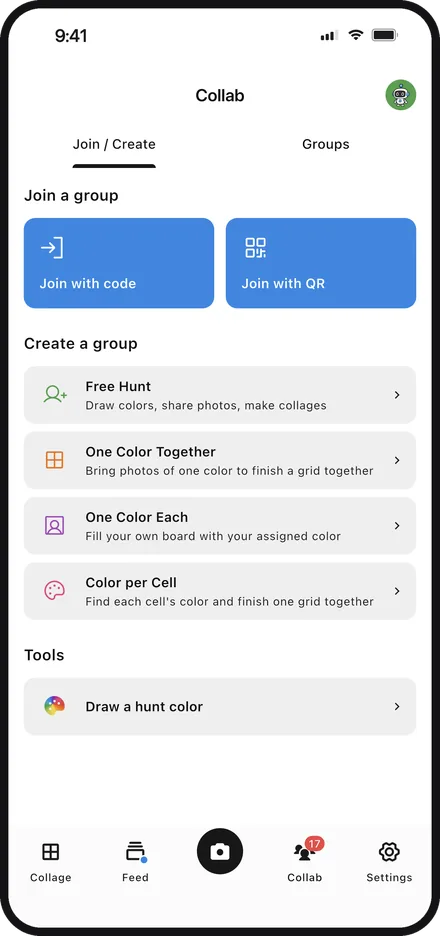
Besides Free Hunt, where you shoot and share freely,
you can pick a group play style from 3 quests: One Color Together, One Color Each, and Color per Cell.
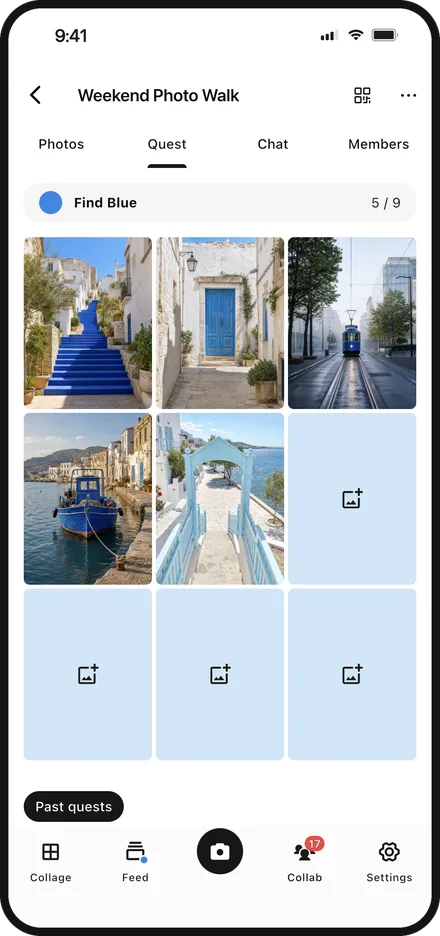
Bring together photos of your theme color and fill the cells of the grid.
Once it’s complete, turn the photos in the cells straight into a collage.
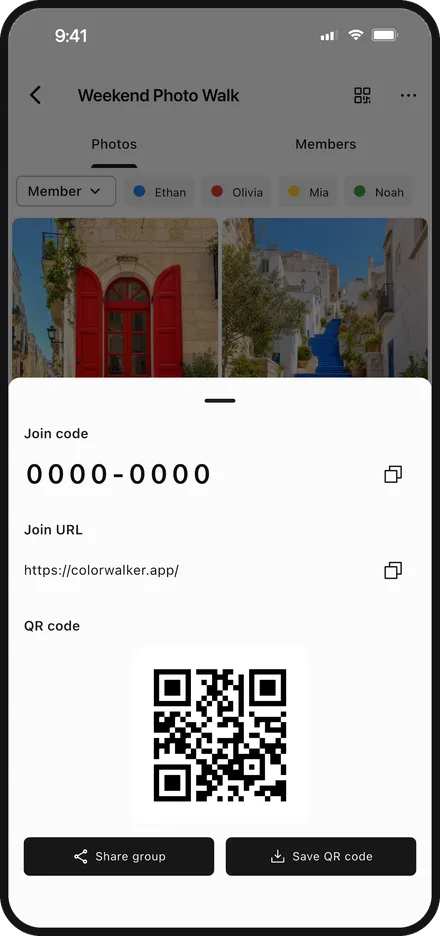
Create a group in seconds — no account required.
Invite members effortlessly with a join code, URL, or QR code.
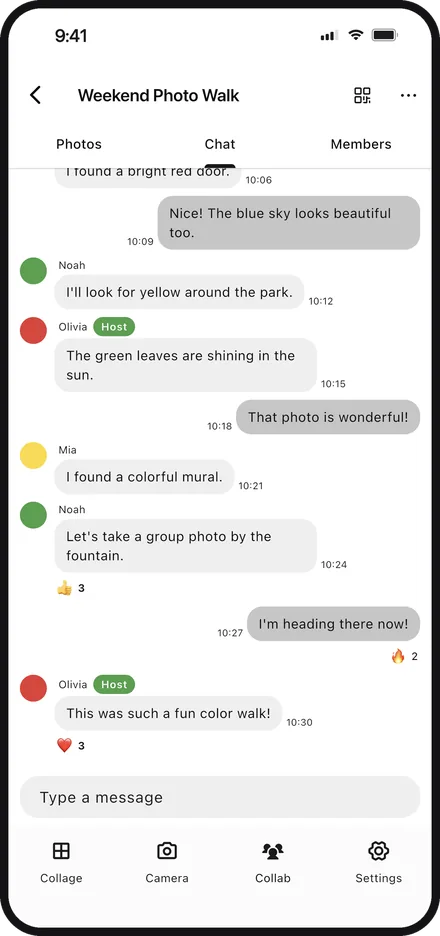
Chat with your group while you show off the photos you took.
React to everyone’s shots in a tap.
Get the app and start your color walk today.